
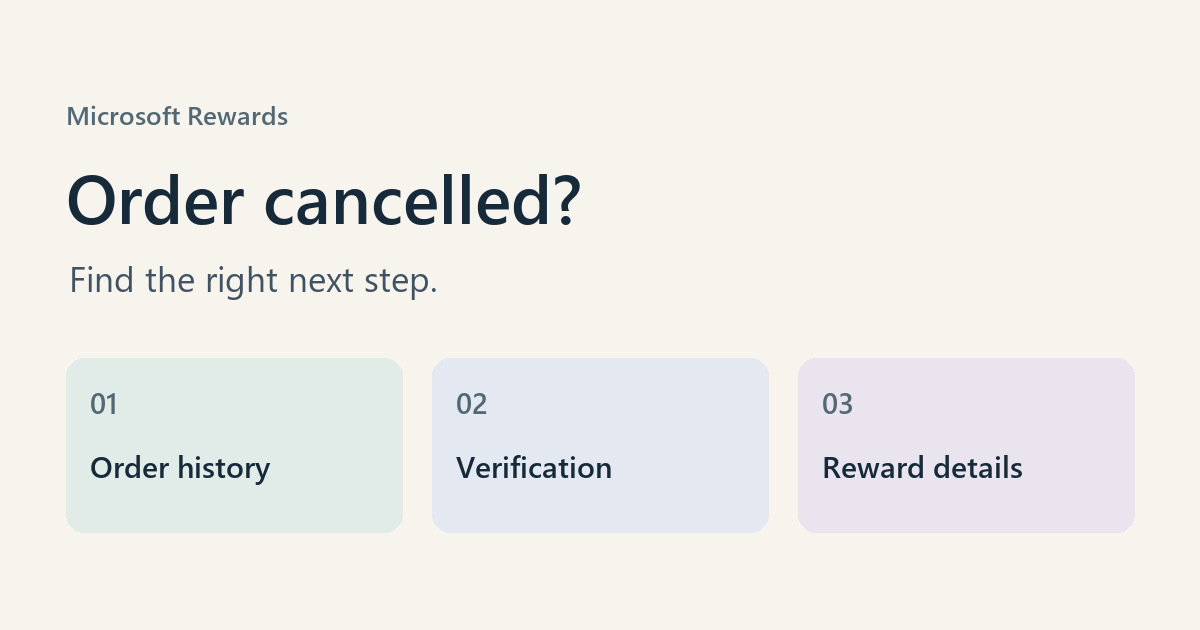
If your Microsoft Rewards order was cancelled, open Rewards Order history and read its status before ordering again. Then check region, phone verification and reward availability. A missing email or an invalid gift card code needs a different next step. Keep the order reference for official support.
1. Find the order before trying another redemption
Sign in to Rewards with the account you used, choose Redeem, then Order history. Find the reward and read Status. Microsoft describes this route in its order-tracking help.
Record what the page actually shows. For example, “I received no email” describes delivery to your inbox; it doesn't establish that the order failed. If the result is unclear, checking the existing order first gives you a useful reference without creating another redemption to investigate.
| What you can see | What to check next |
|---|---|
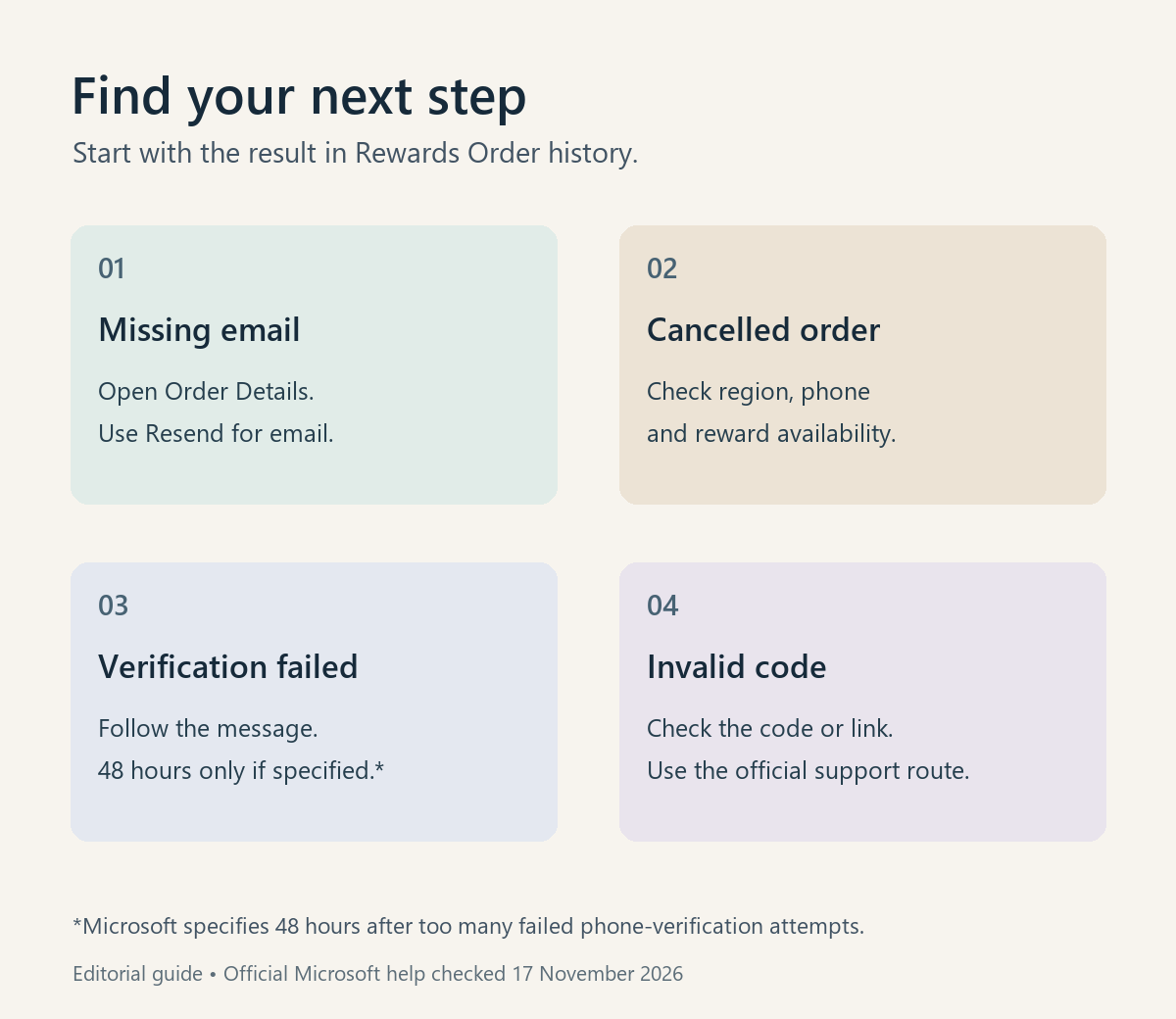
| An order exists, but the email is missing | Use Order Details and the confirmation-email Resend option. |
| The order was cancelled | Check the conditions in step 2, then report an unresolved case to Rewards support. |
| Phone verification failed before you could finish | Follow the verification guidance in step 3. |
| You received a reward, but its code fails | Check the code or link in Order Details, then use the relevant support route. |
2. Check the conditions behind a cancelled order
Microsoft's order-tracking page lists region mismatches, redemptions across multiple regions, VPN use, VoIP verification numbers and unavailable rewards among common cancellation reasons. That list gives you checks to make; it doesn't identify the cause of your particular cancellation.
Compare your situation with those conditions. Are you redeeming in your signup region? Is your phone number eligible for verification? Was the selected reward available? Describe anything you cannot establish when you contact support, rather than assuming the account has been banned.
The redemption guidance says to wait until you return home if you're travelling in another market. It also says to avoid proxies or VPNs that conceal your location. Follow those conditions before making another attempt.
3. Apply the 48-hour instruction to phone verification
Microsoft specifies a 48-hour wait after too many unsuccessful phone-verification attempts. Apply that instruction when this is the problem you encountered. It isn't a delivery estimate for every reward or a response-time promise from support.
Use a working mobile or landline number; VoIP numbers aren't permitted. Check that the verification code you enter matches the one sent to you. If the account reports another limitation, preserve the message and use the official help route instead of repeatedly submitting codes.
A missing gift card in the catalogue is another situation. Microsoft's redemption help says availability varies and support cannot give restock or removal dates. You can check the catalogue again later, but a specific return date would be a guess.
4. Recover the reward details or report the problem
For a missing email, open Order Details to retrieve the redemption code or link. Use Resend for another confirmation email. These are separate actions described in Microsoft's Rewards FAQ.
Check the reward type, too. Microsoft says Microsoft and Xbox gift cards redeemed through Rewards are deposited directly into your Microsoft account as promotional balance. Expecting a separate code can send you looking in the wrong place.
If a code is invalid, check the correct code or redemption link first. Microsoft's FAQ directs persistent problems to its code-redemption help; for a gift card from another brand, it directs you to Microsoft Rewards Customer Support.
For an unresolved cancellation, follow Contact us on the official order-tracking page. A concise report can use this format:
Reward selected: [name and denomination]
Redemption date: [date and time zone]
Current order status: [exact wording]
Points balance change: [what you observed]
Problem: [missing email, cancellation, verification message or invalid code]
Checks completed: [brief factual details]
Keep the order reference inside the official support conversation. Leave passwords, verification codes and full gift card codes out of public posts and screenshots.
Will Microsoft return the points?
Microsoft's refund and exchange policy generally makes reward orders final. Exceptions include defective products or applicable legal requirements. For an unavailable reward, Microsoft may substitute something of comparable value or refund the points. Those terms don't promise a particular remedy or timetable for your order.
If your balance and order status don't explain what happened, include both observations in the support request. Let support investigate the specific order before you commit more points.
For the programme's earning, eligibility and inactivity rules, read our Microsoft Rewards review.